
Connect every step of your visual merchandising workflow from assets to insights.
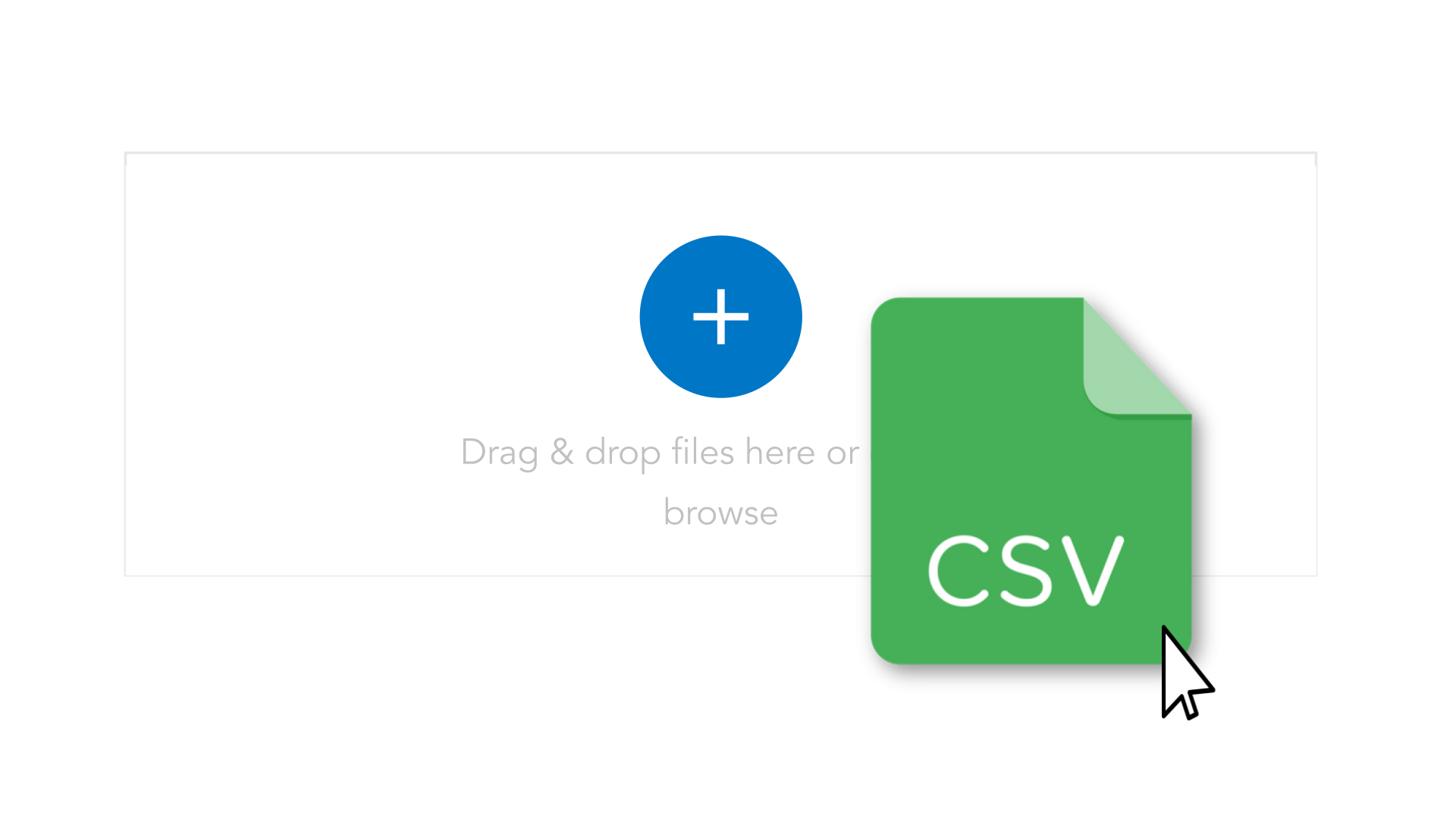
SKU FASTRACK
Allows users to import multiple SKUs at once into the IWD catalog, reducing manual entry and enabling fast onboarding of new products, collections, or campaigns.
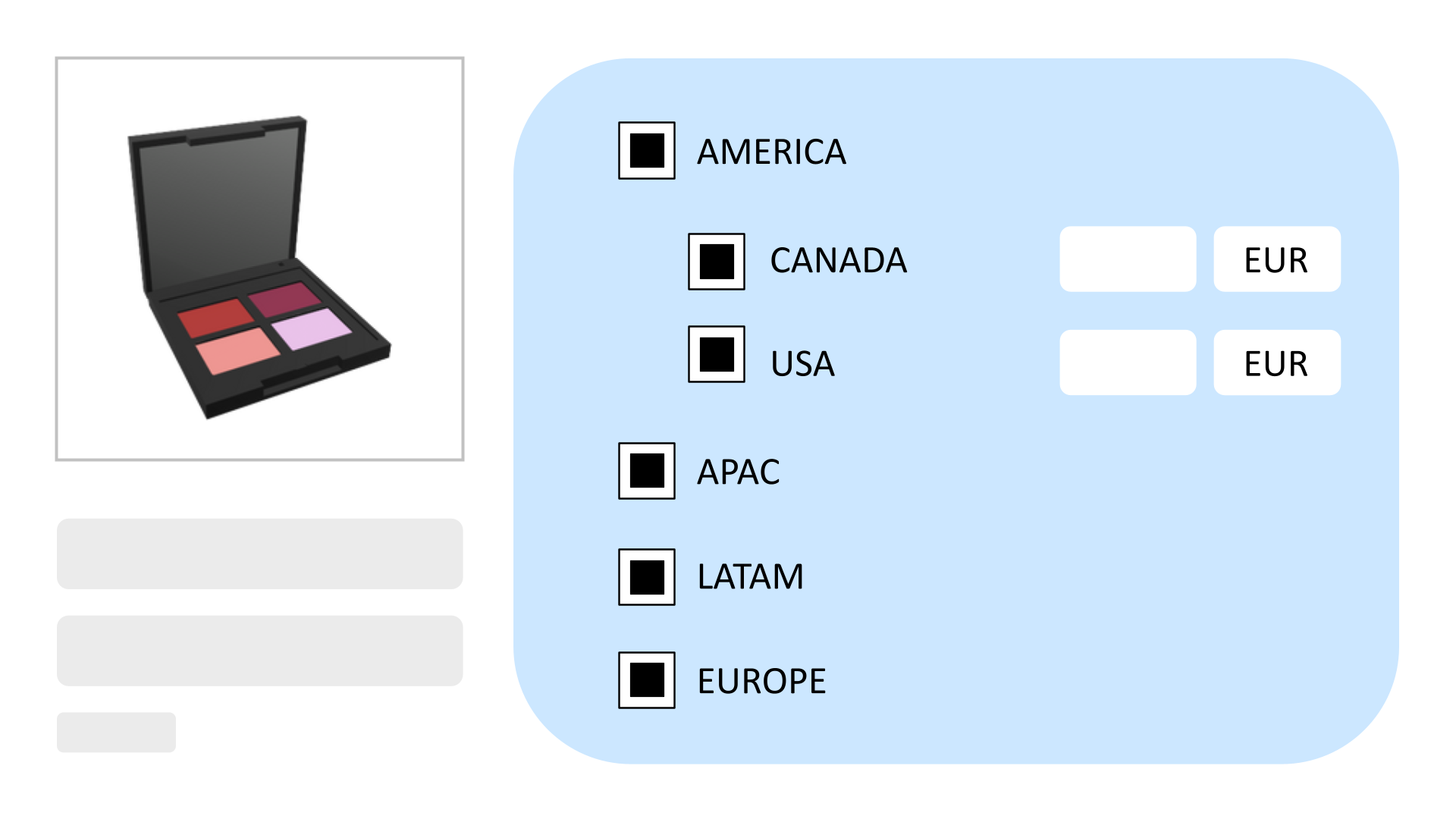
Market Tags
Control SKU and asset visibility by market, channel, or geography to avoid execution errors.
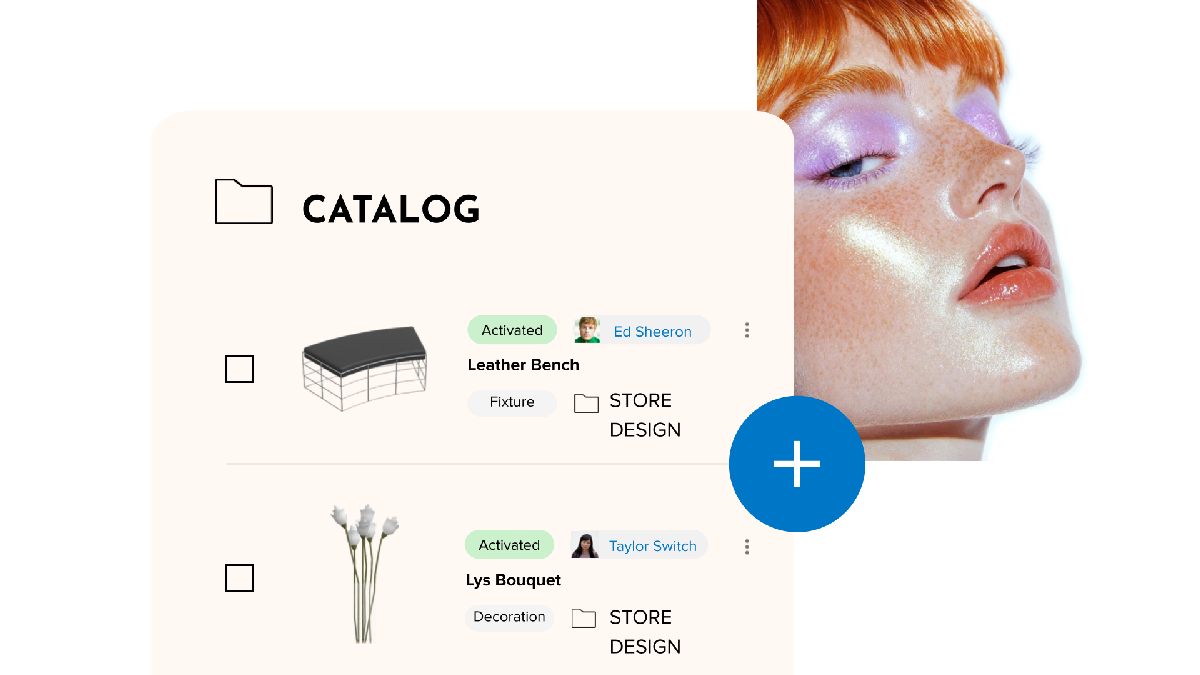
Asset Vault
Upload and manage images, POS materials, and fixture components used in planograms and guidelines.
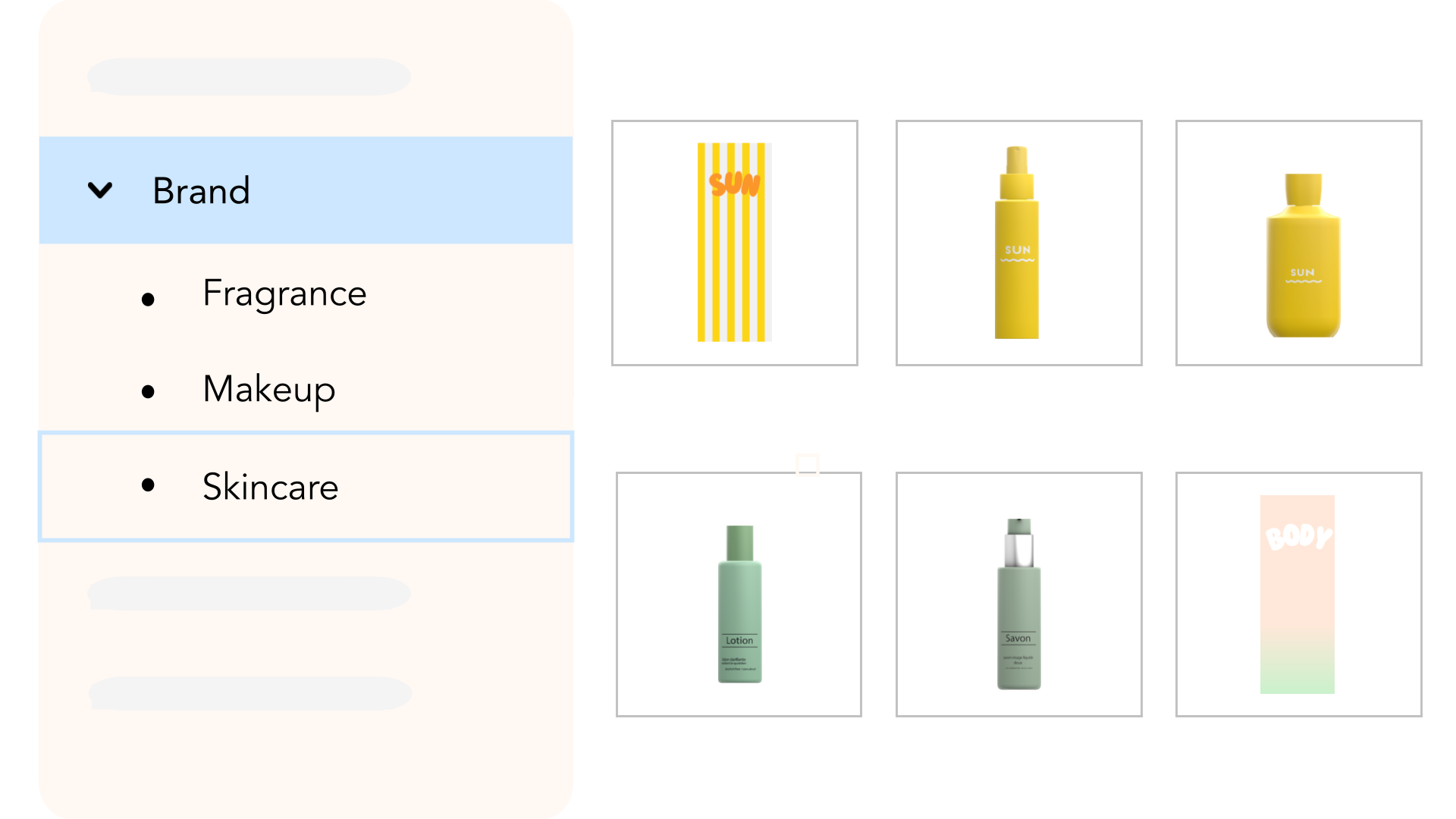
SMART FOLDERS
Catalog assets can be grouped into folders by collection, brand, season, or region for structured browsing and management.
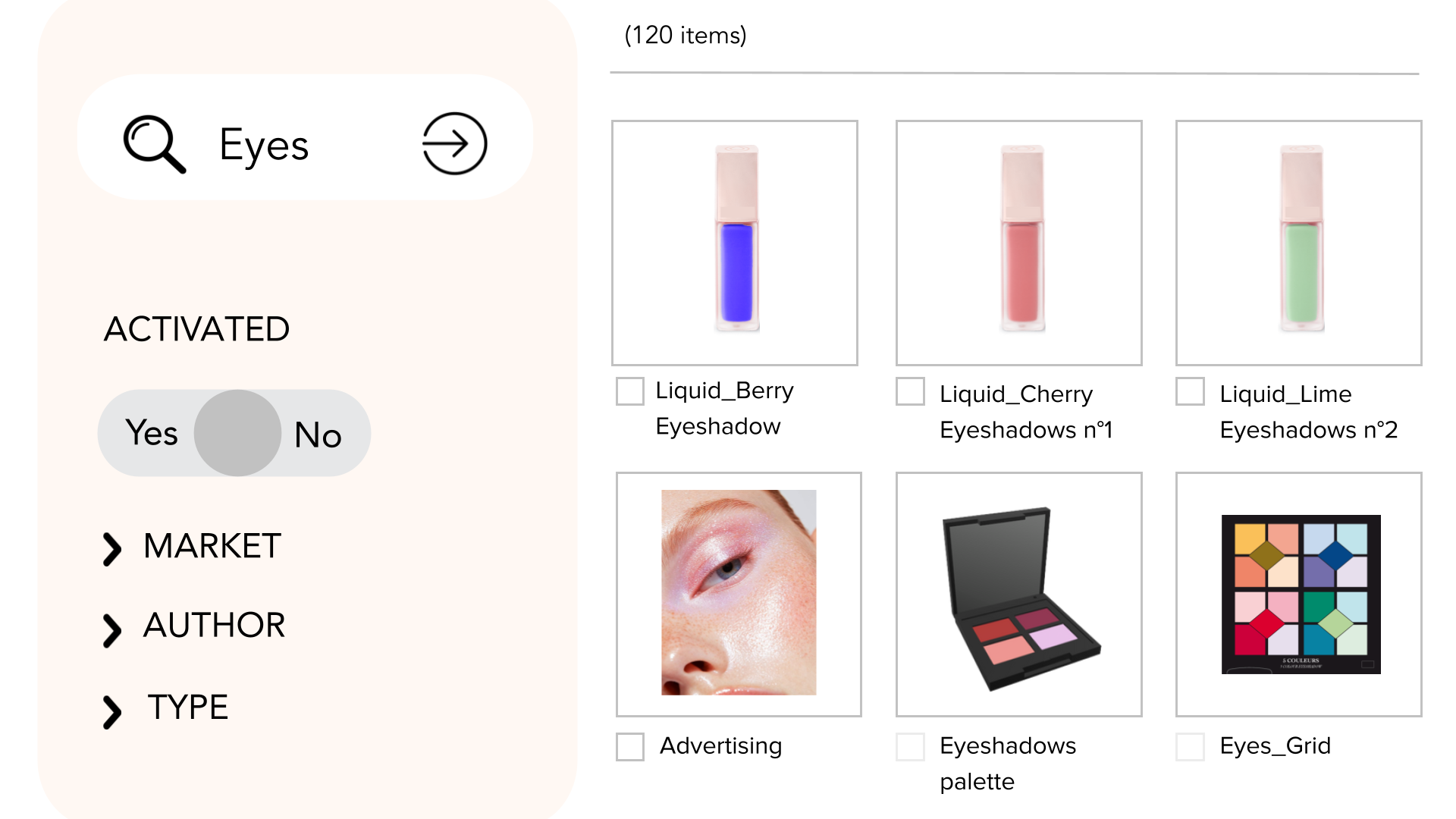
Smart Asset Search
Find assets quickly using filters such as name, code, market availability, or tags.
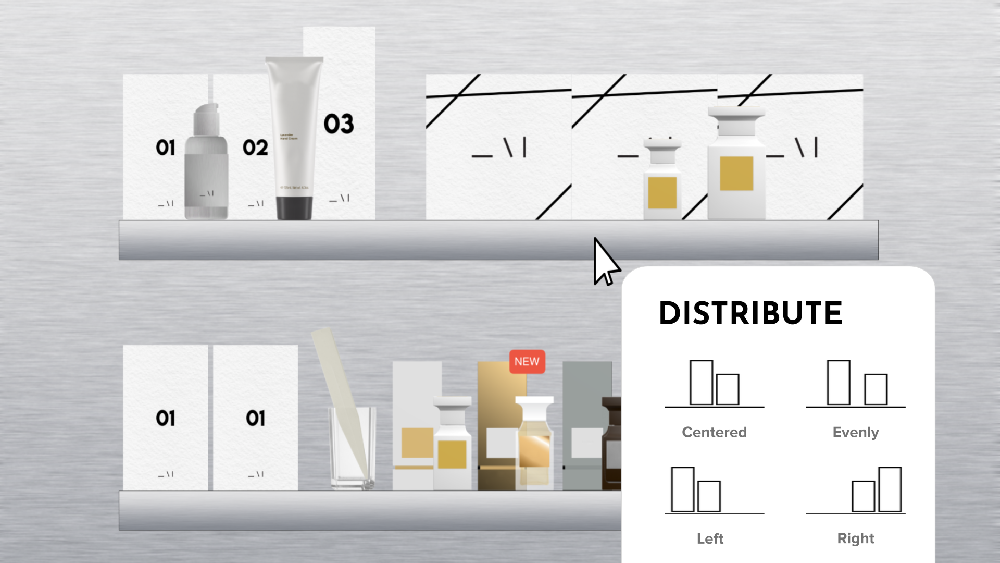
LAYOUT EDITOR
Allows users to design 2D planograms by dragging products and fixtures onto a layout, with tools to align, duplicate, and evenly space items.
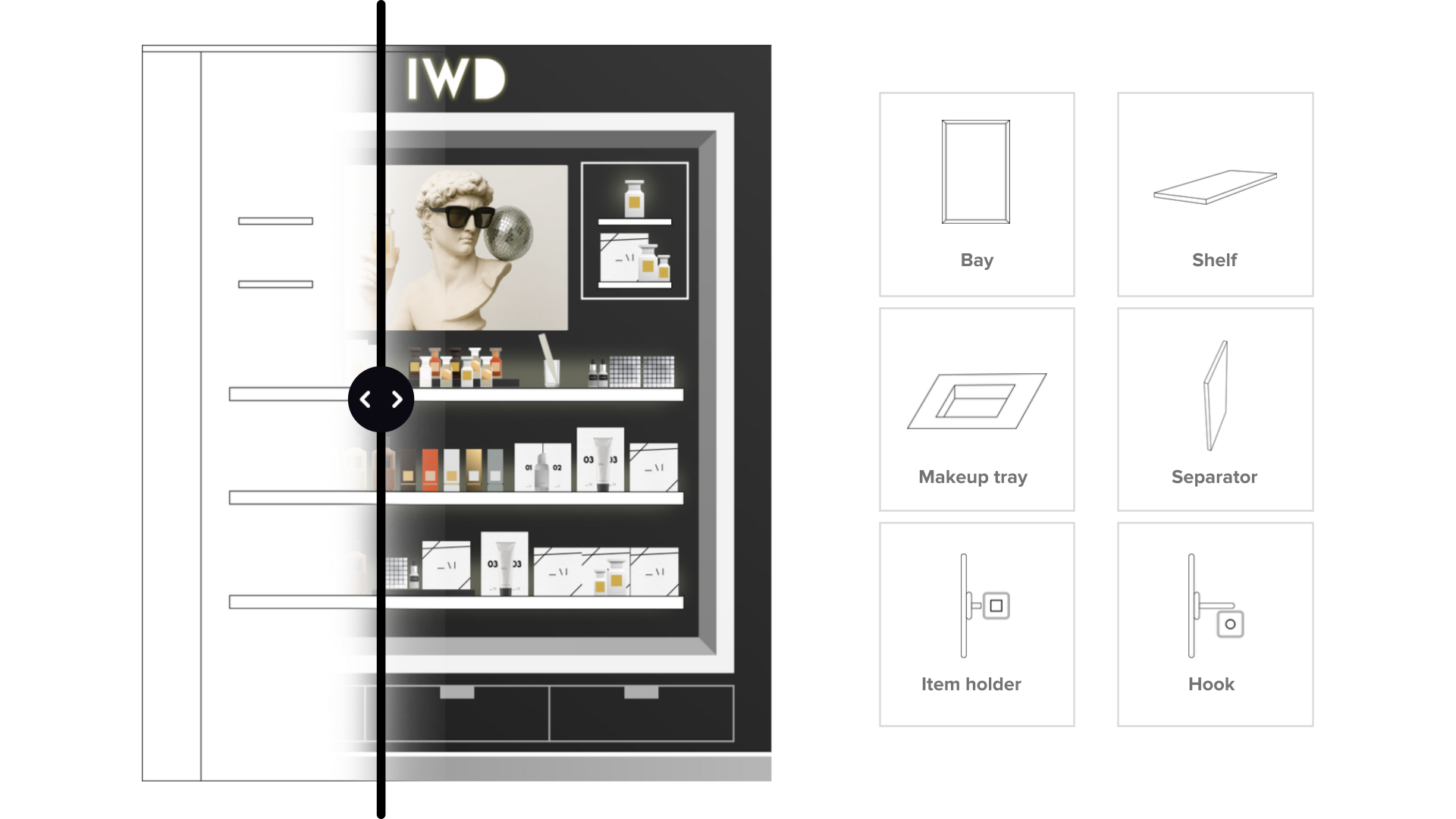
Fixture Editor
Define fixture dimensions and properties to ensure layouts match real store conditions.
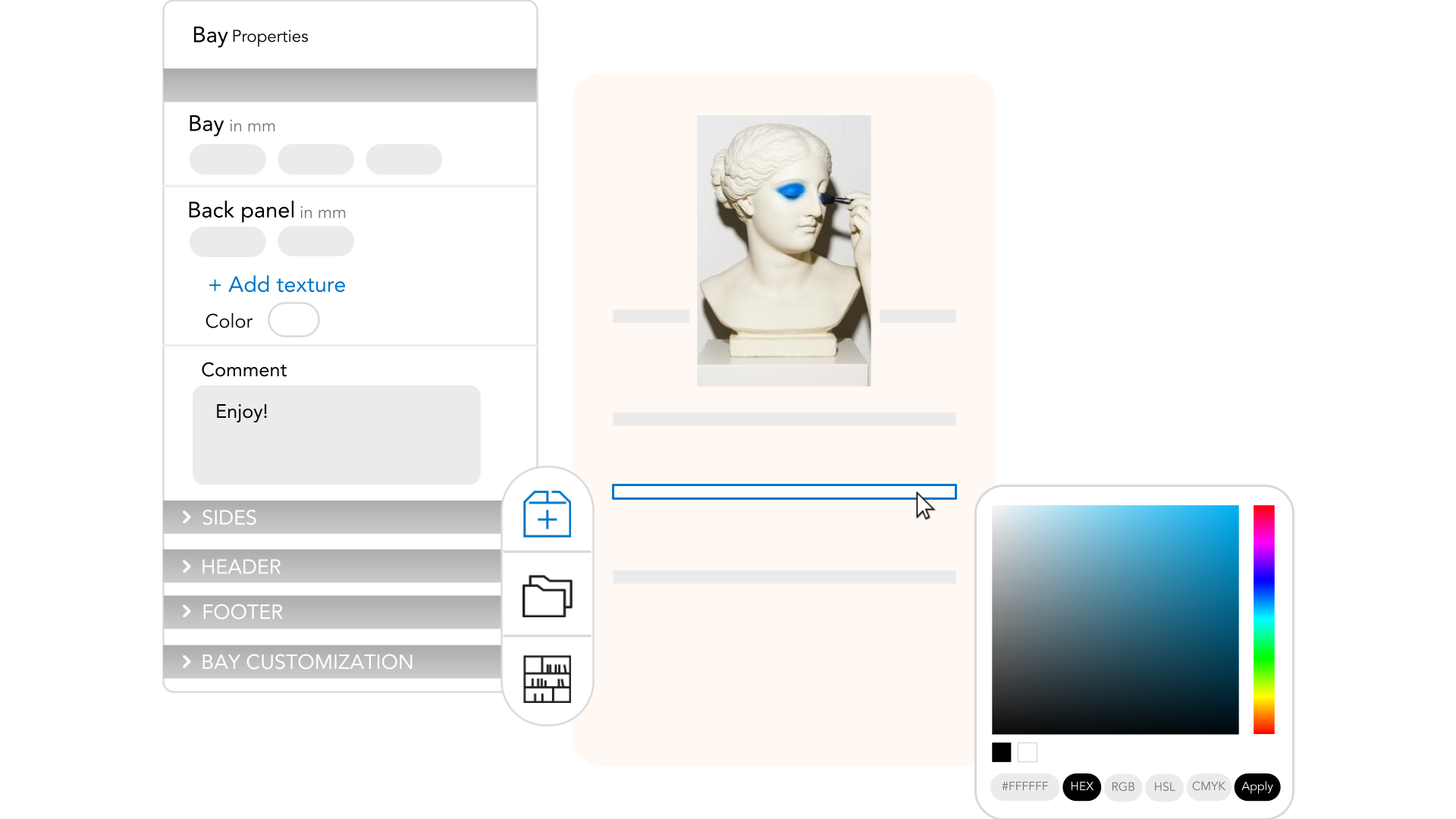
Visual Scene Builder
Customize planogram environments with textures, finishes, and back panel visuals to simulate store branding.
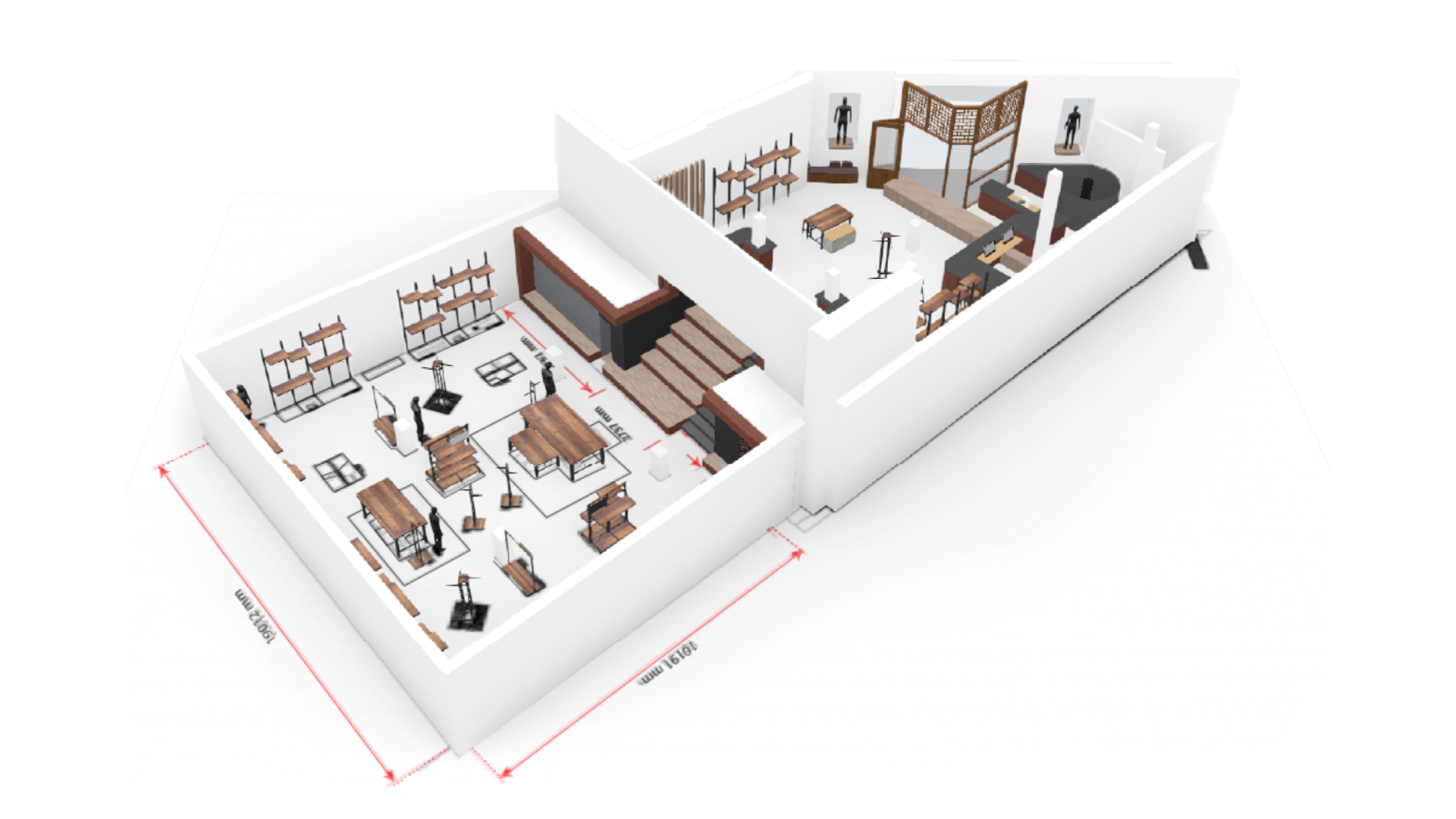
3D SPACE BUILDER
Sketch store boundaries and floorplans to build spatially accurate layouts without CAD tools.
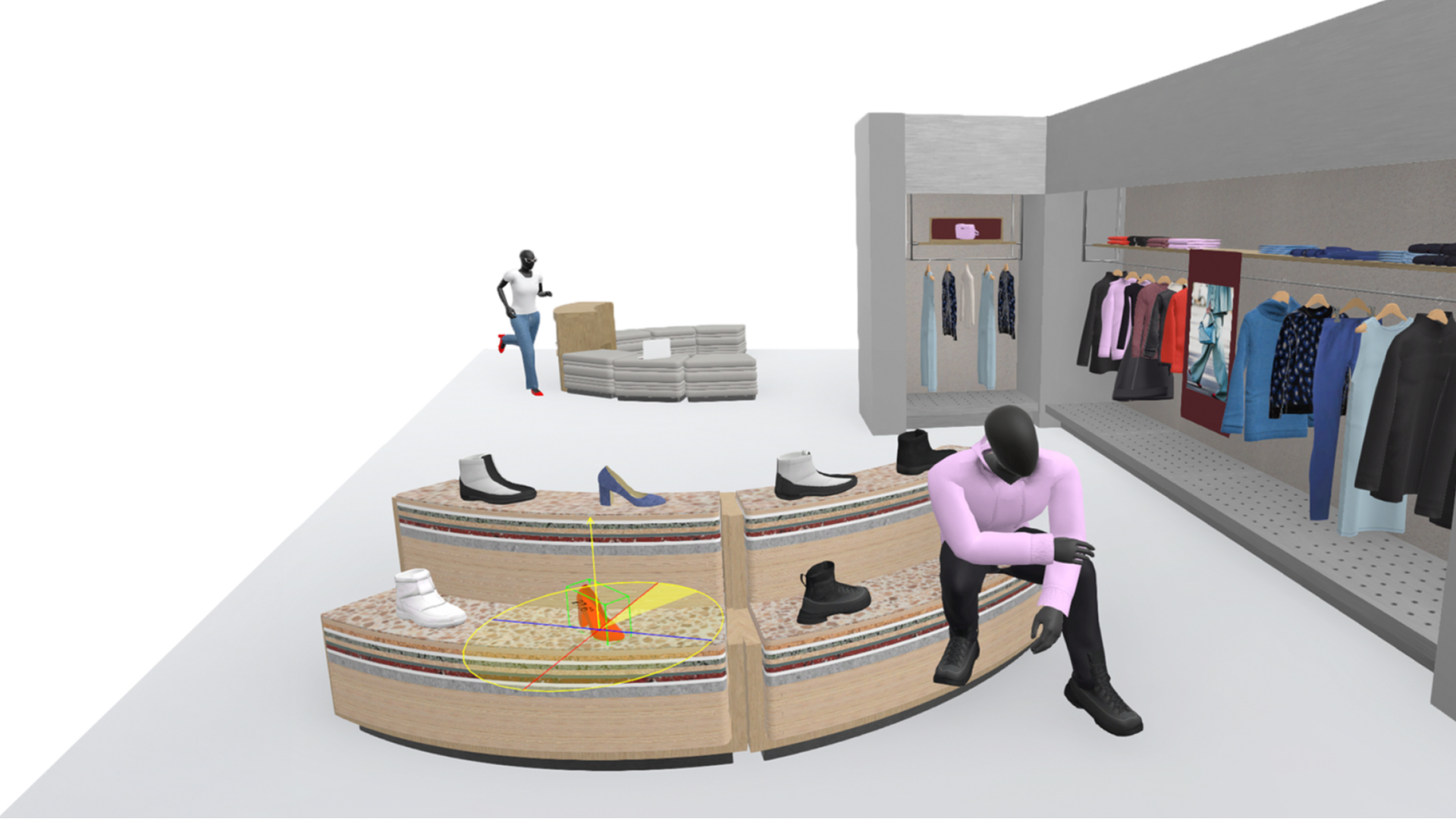
3D Merch Designer
Move, scale, rotate, and group 3D items to simulate advanced merchandising scenarios.
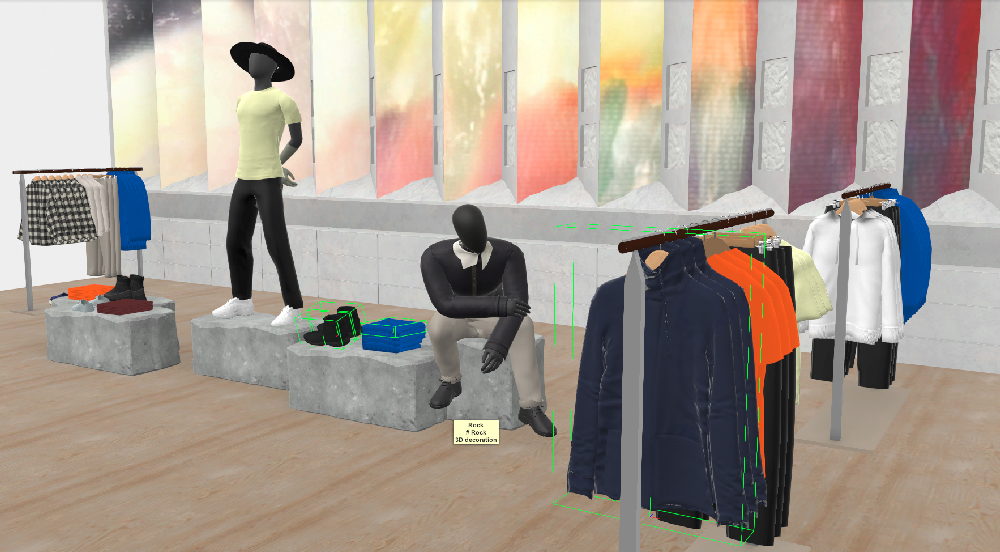
3D Fixture Logic
Apply behavior logic to fixtures to simulate hanging, folding, or accessory placement.
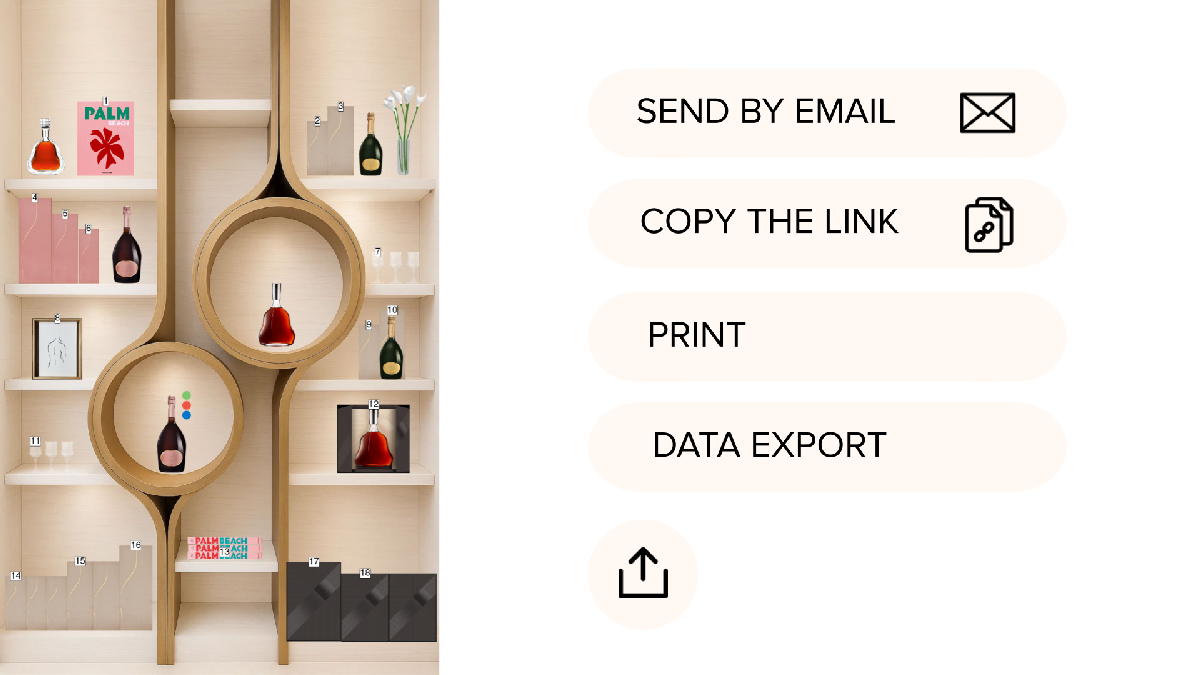
EXPORT CONTROL
Share guidelines in multiple formats to support store execution, operations, and reporting.
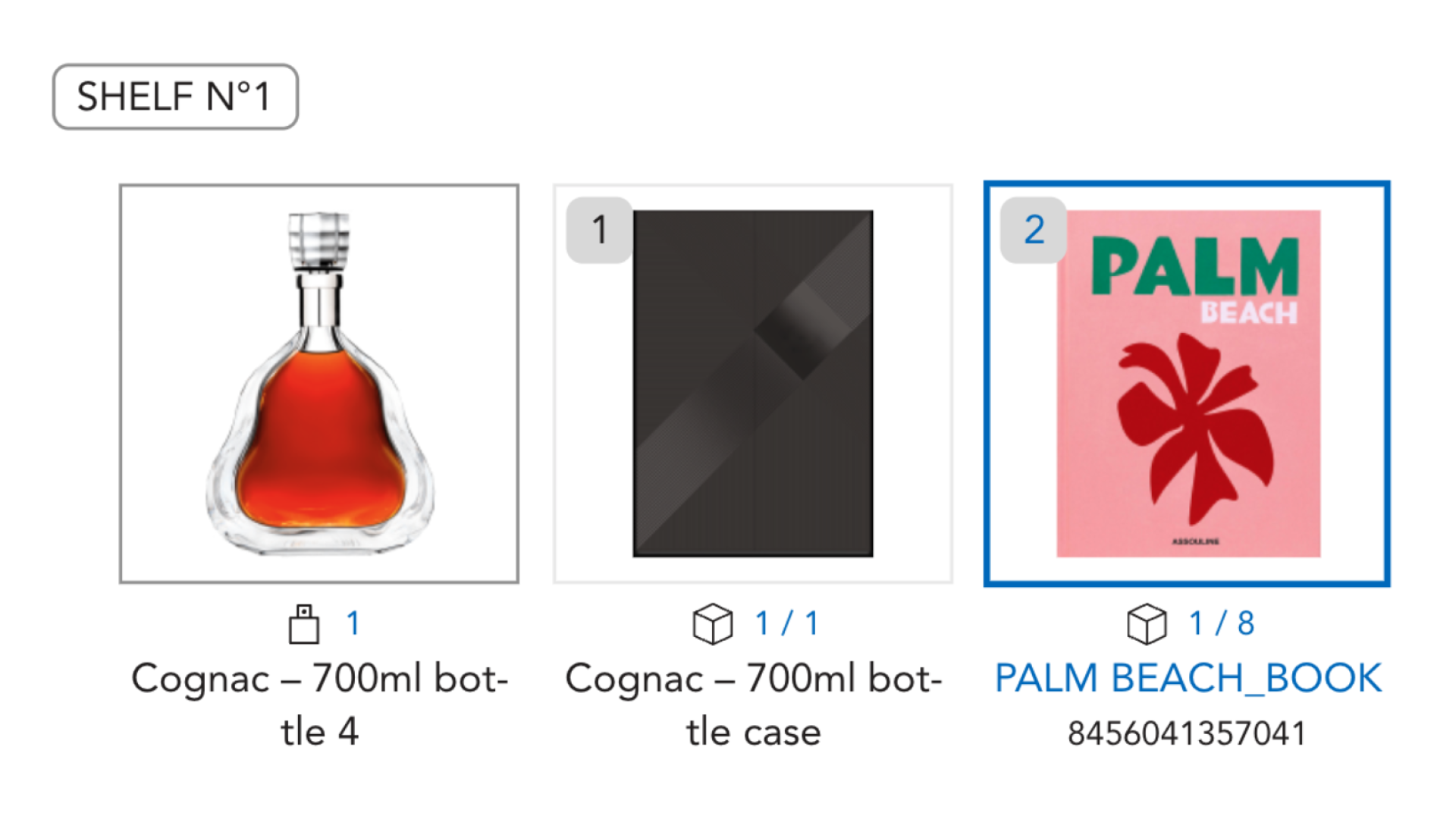
Export Logic
Include dimensions, facings, stock levels, and visuals to reduce execution errors.
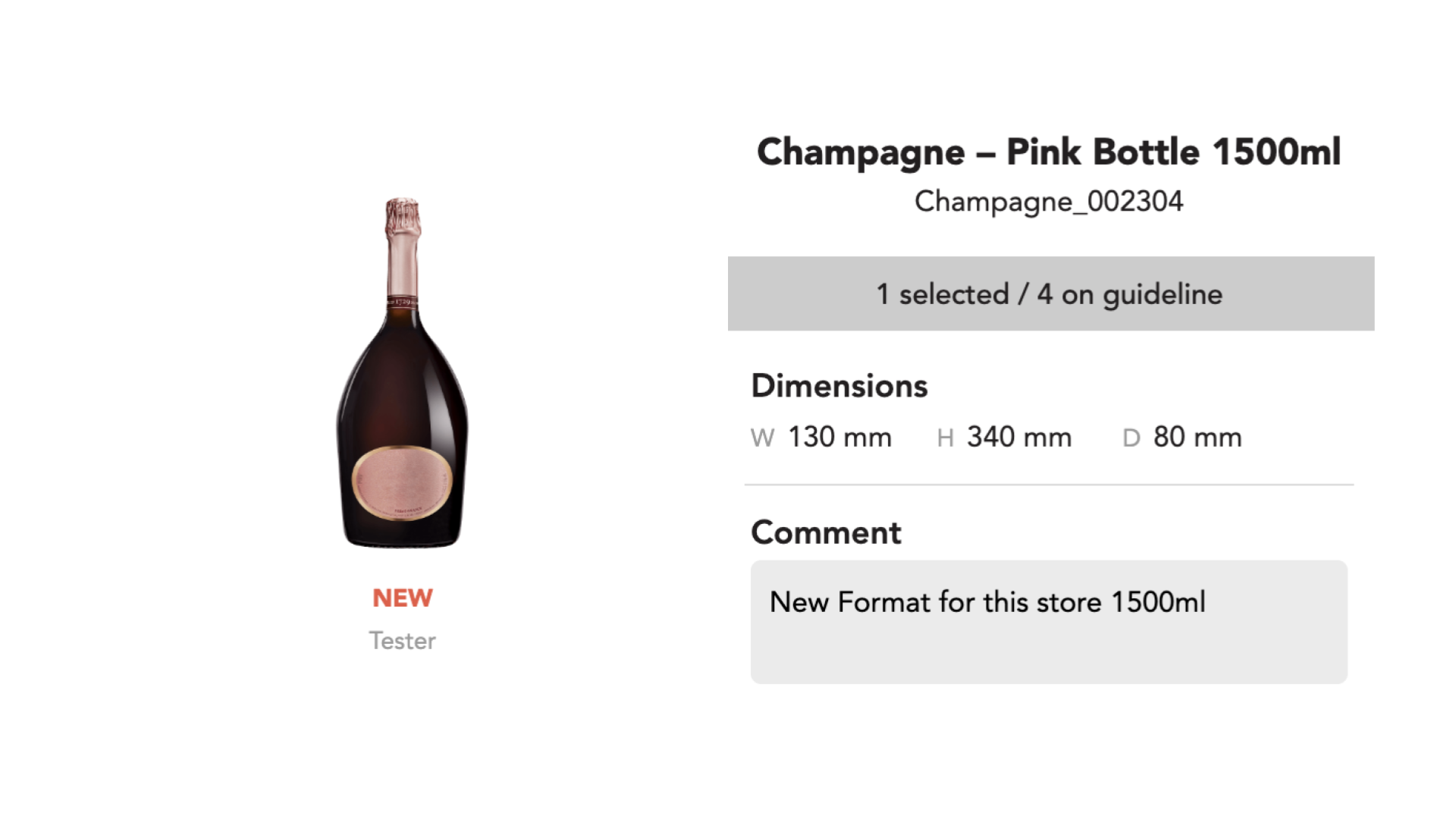
MARKET INSTRUCT
Add localized notes, translations, and visuals for market-specific deployments
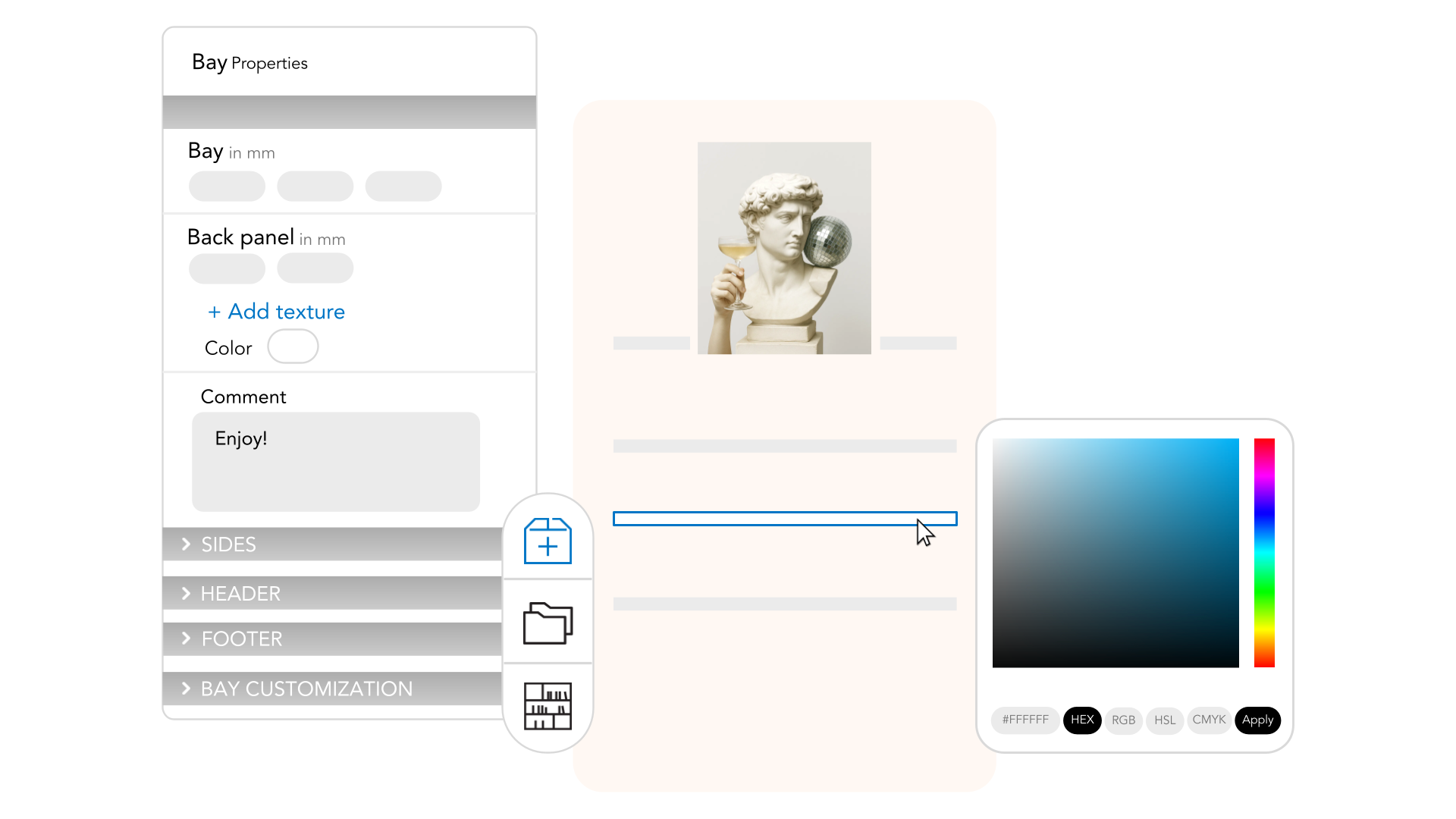
LocalFit Overrides
Allow local adjustments within guardrails to match store layouts and assortments.
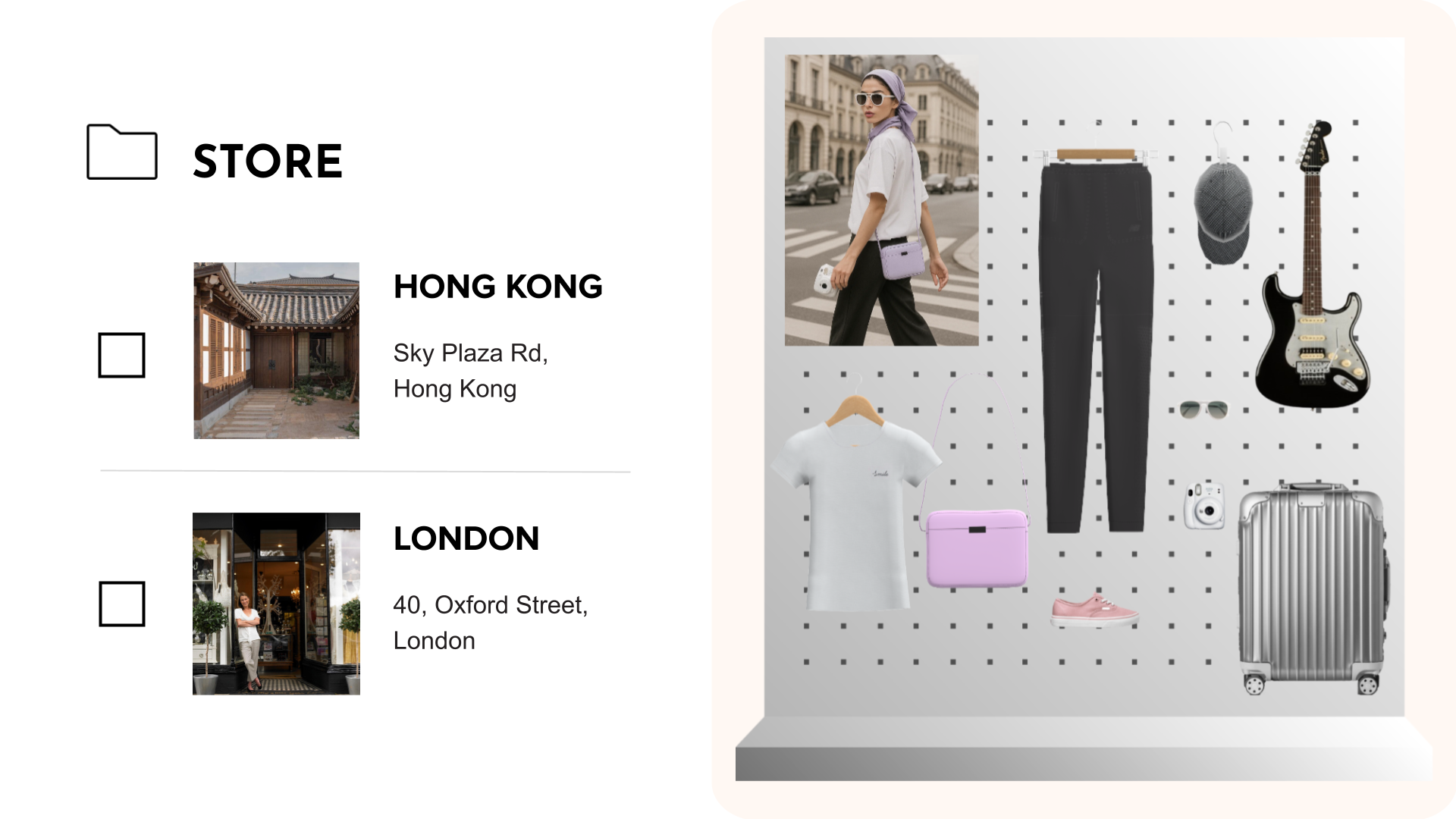
PLANOGRAM TARGETING
Assign layouts to specific stores or store groups using segmentation filters.
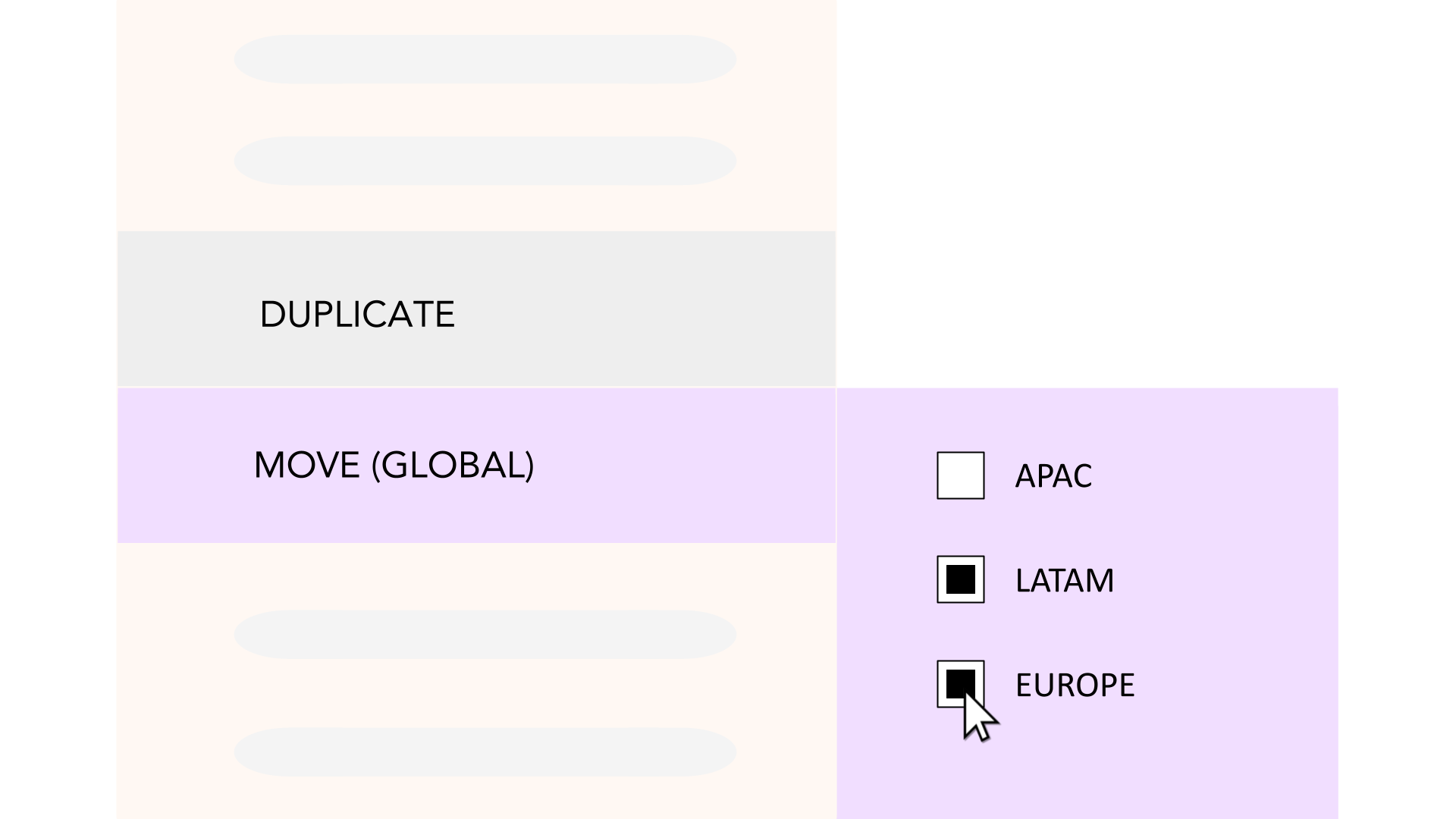
LAYOUT PRESETS
Reuse templates aligned to key store formats for faster planning and rollout.
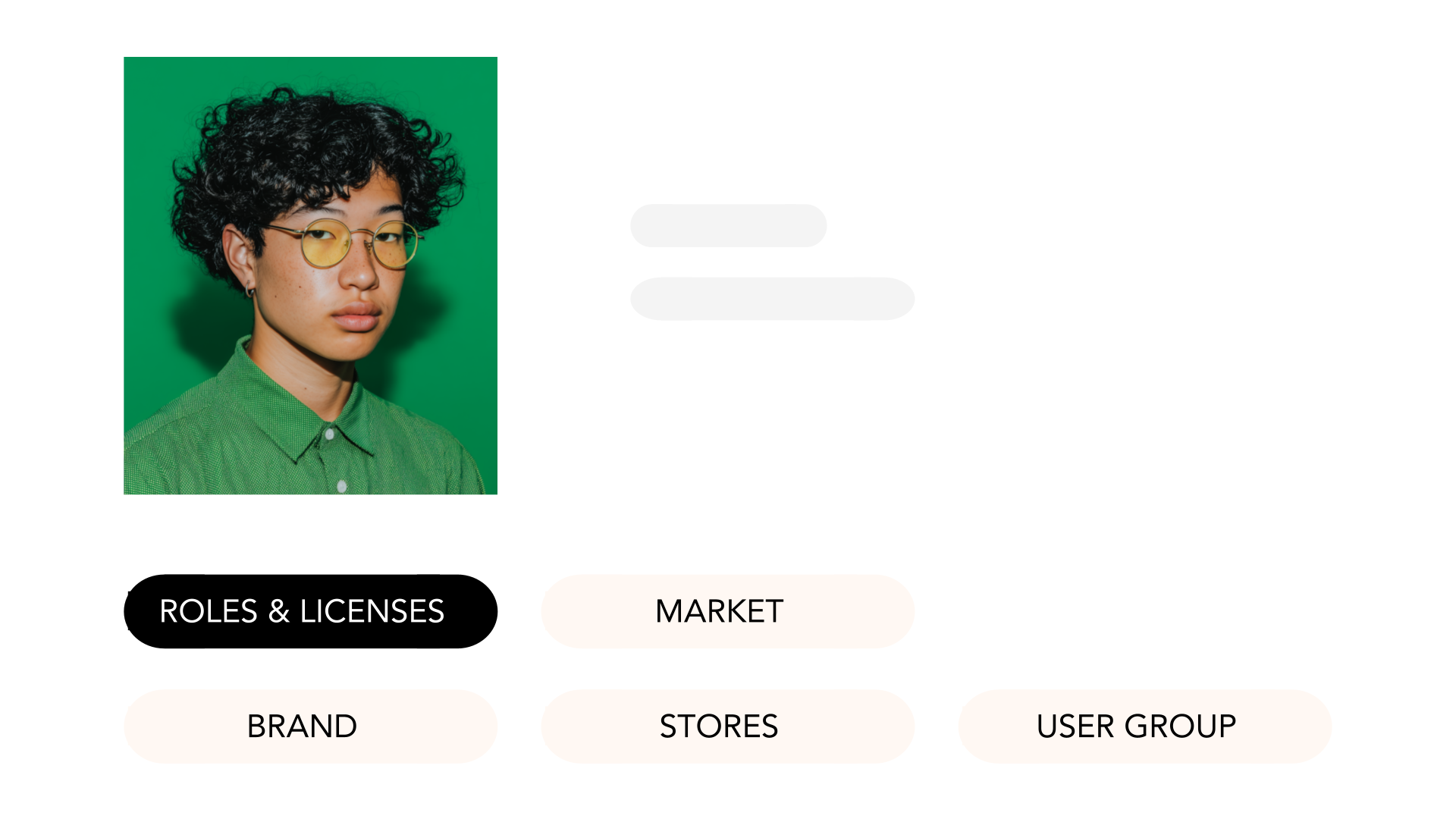
ROLE-BASED ACCESS MANAGER
Manage permissions by role to ensure governance and data integrity.

SINGLE SIGN-ON
Simplify access and onboarding while ensuring IT compliance.

APPROVAL FLOW
Route guidelines through defined review and approval chains before deployment.
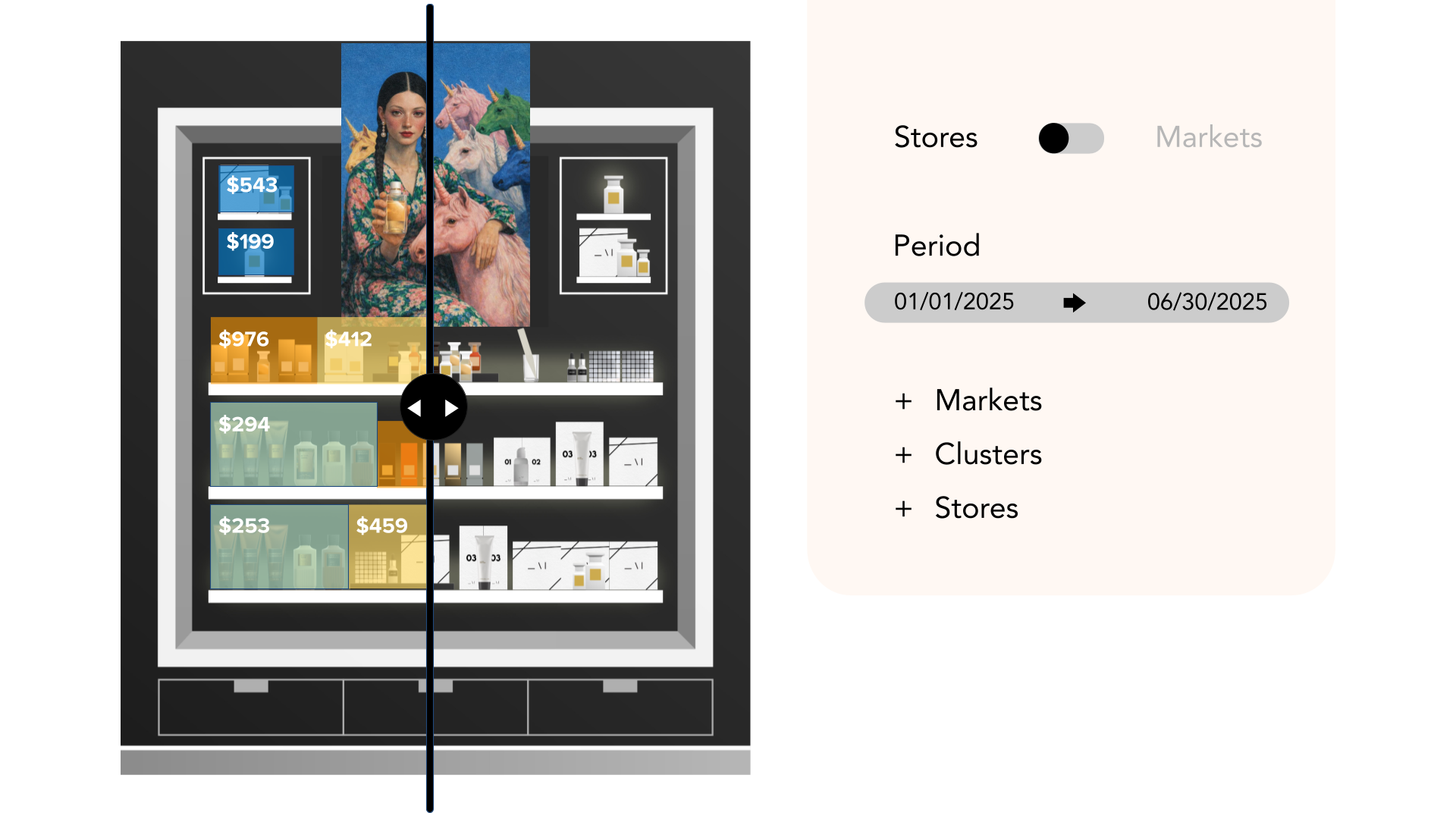
SALES DATA
Overlay sales, stock, price, and margin data directly onto planograms.
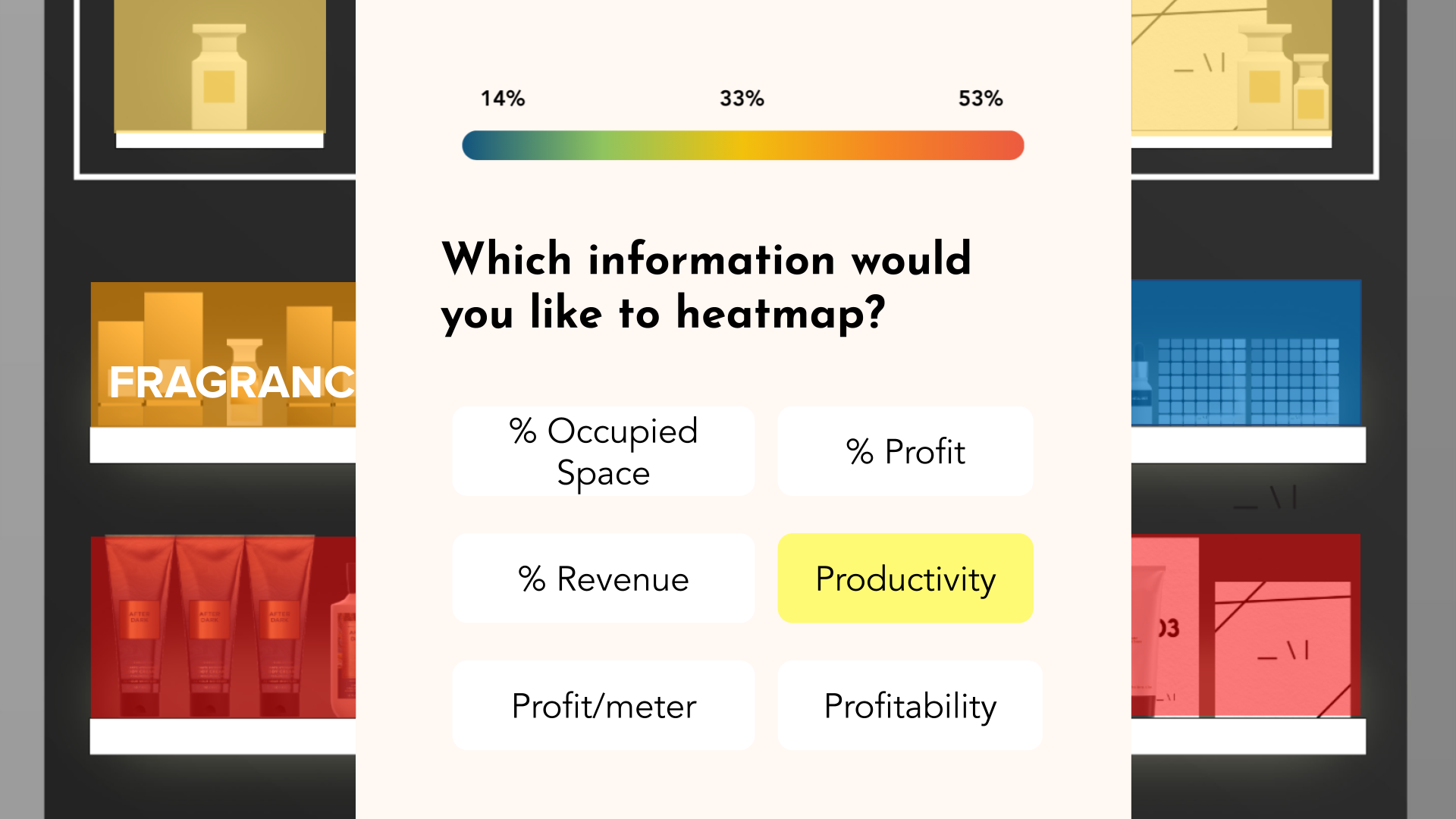
HEATMAP
Visualize high- and low-performing zones across shelves to guide optimization.
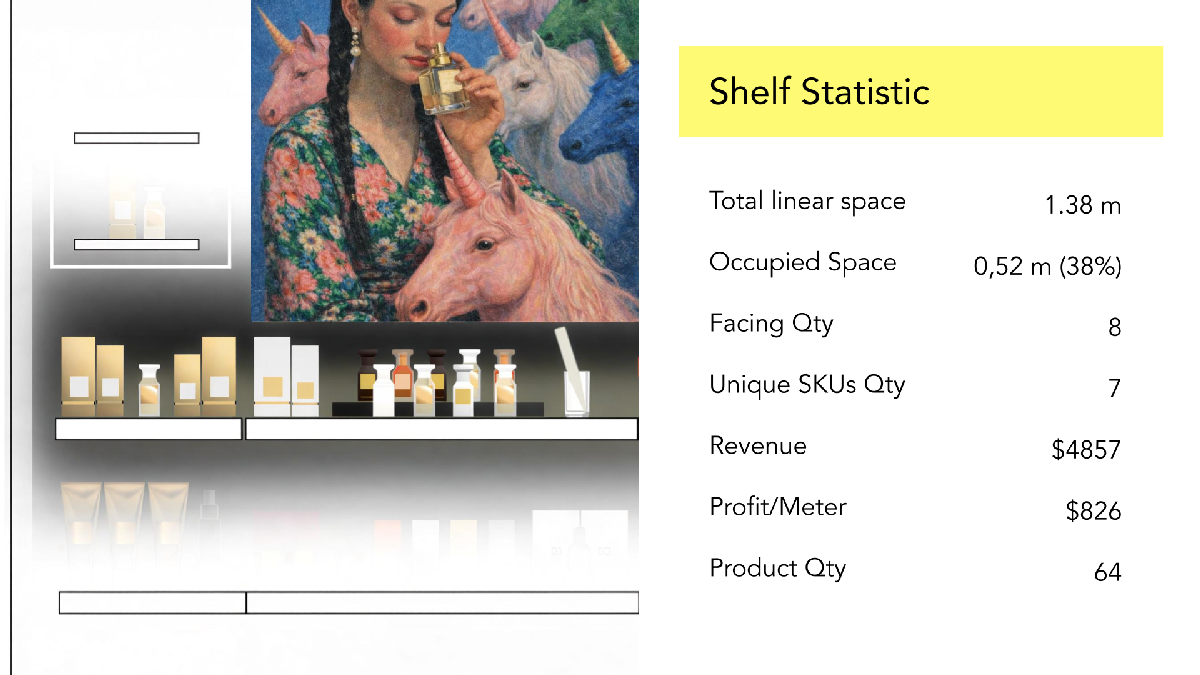
GUIDELINE STATISTICS
Identify underperforming placements and optimize layouts.